Your solar street light is dim after cloudy days — and no, that doesn’t necessarily mean it’s broken. Continuous overcast weather drastically reduces the energy your solar panels can generate during the day, depleting the battery’s stored reserve. Here’s what is happening inside the system, and how to fix it in four simple steps.
The Short Answer: It’s an Energy Deficit, Not a Hardware Failure
Your solar street light is dim because the panel could not recharge the battery enough to run the lamp at full brightness through the night. After several overcast days, the reserve is simply exhausted — and a smart controller dims the output to protect the system.
Why Solar Lights Go Dim on Cloudy Days: 3 Causes
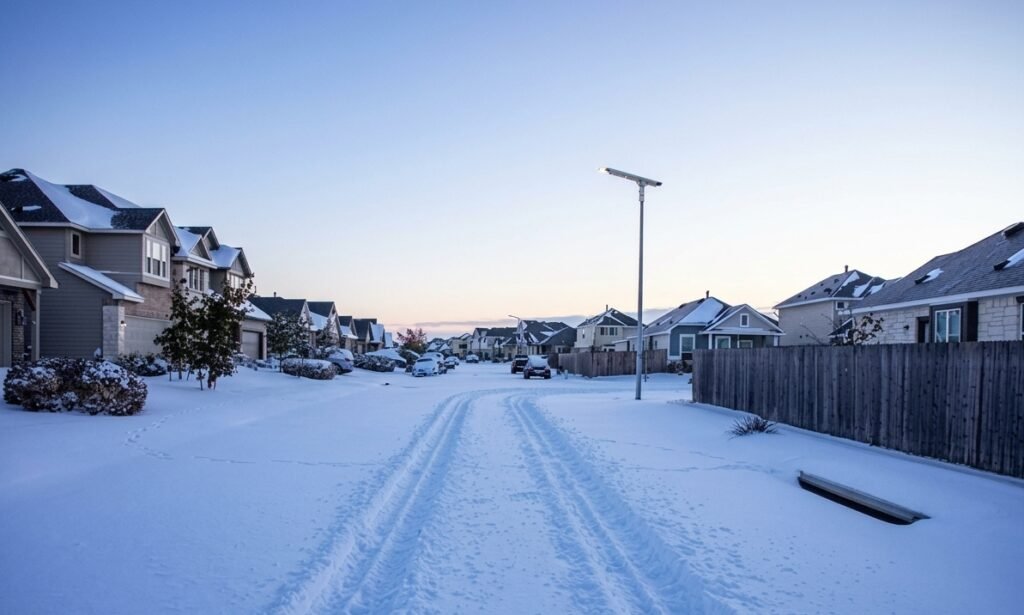
Low Solar Input. Clouds block direct sunlight. While your panels still capture weak, filtered daylight (known as diffuse radiation), charging becomes very slow and inefficient — often too little to refill what the lamp used overnight.
Energy Deficit. If the light uses more power at night than the panel manages to replenish during short, cloudy daytime hours, the battery drains a little lower with each passing day. This cumulative deficit is why the light gets progressively dimmer.
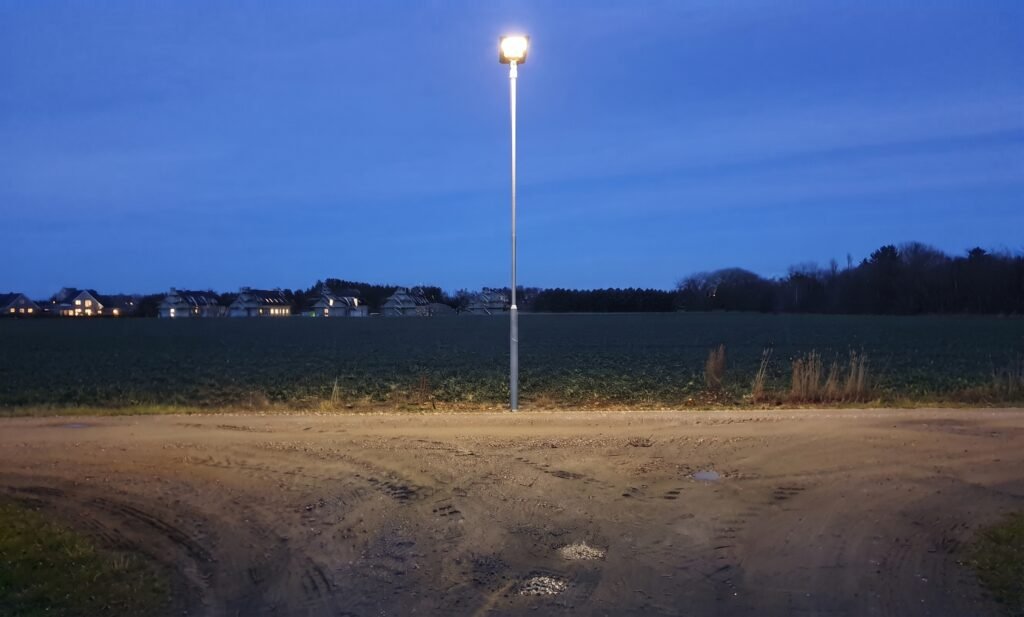
Smart Controller Response. Advanced light controllers automatically dim the lamp or lower its output when they detect low battery voltage. This protective feature keeps the system from shutting down completely, so you still get some light rather than none.
How to Fix a Dim Solar Street Light (4 Steps)
If your solar street light is not bright enough at night, work through these fixes in order:
1. Clean the Panels. Wipe away dust, bird droppings, or debris so the panels capture as much scattered light as possible.
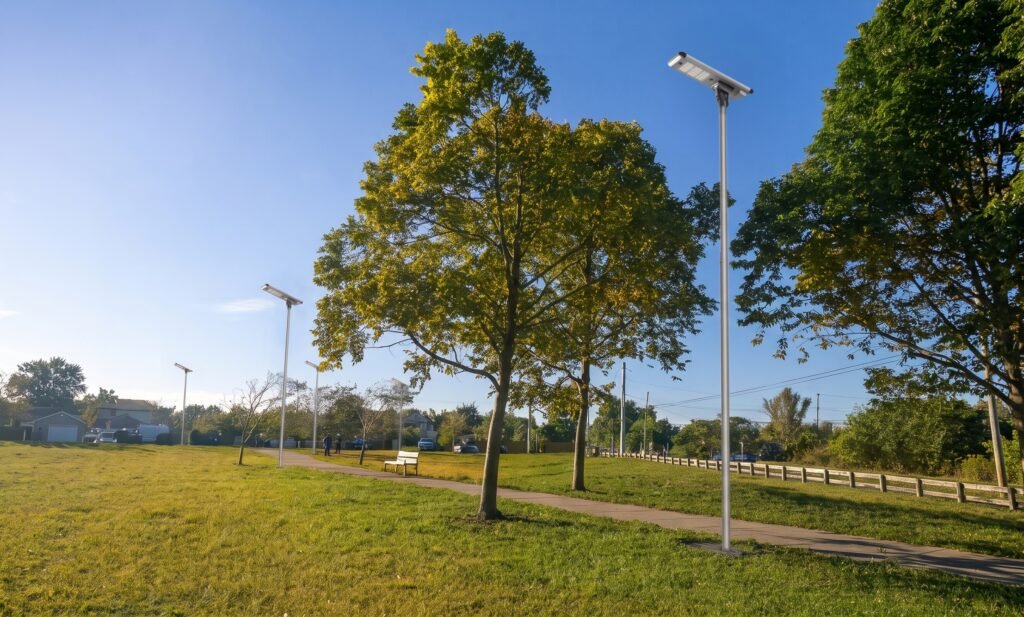
2. Check for Shading. Trim newly grown tree branches or remove obstacles blocking the light path.
3. Turn Off Temporarily. Switch the light off for 2 to 3 sunny days to let the battery recover a full charge.
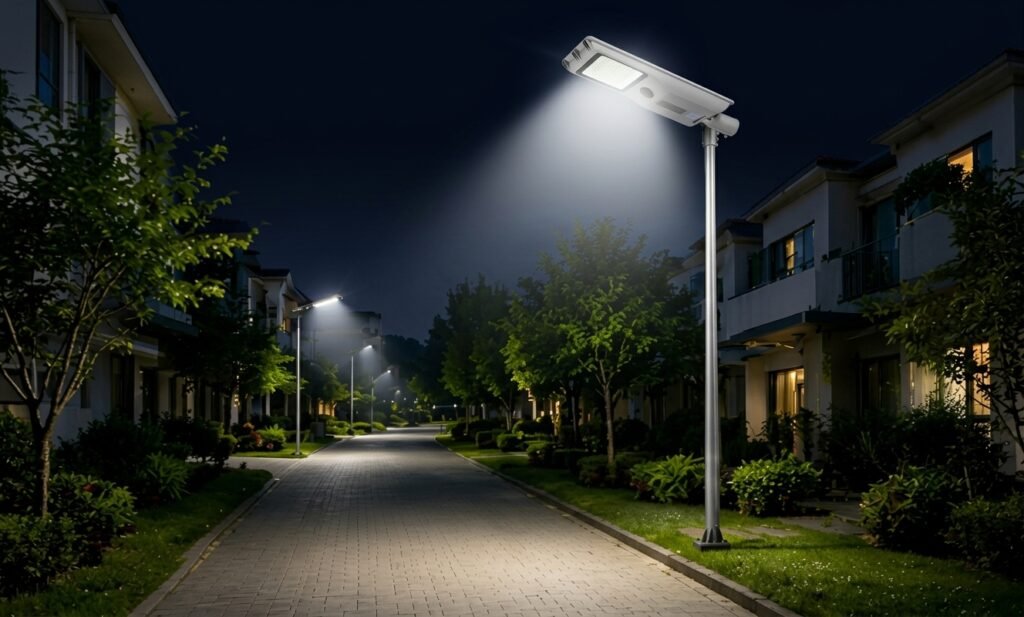
4. Adjust Settings. Use a remote or smart controller to enable lower baseline dimming or motion-sensor modes so the light conserves power during extended bad weather.
FAQ: Do Solar Street Lights Work in Cloudy Weather?
Do solar street lights work on cloudy days?
Yes — panels still capture weak, filtered daylight, but charging becomes very slow and inefficient, so the battery may not fully recharge.
Why is my solar street light dim after cloudy days?
The panel did not replenish what the lamp used at night, and the smart controller dimmed the output to prevent a complete shutdown.
How can I make my solar street light brighter again?
Clean the panel, remove shade, switch the light off for 2–3 sunny days to fully recharge the battery, and adjust the controller to a lower baseline or motion-sensor mode.
The Bottom Line
A dim light after cloudy days is a sign of an energy deficit, not a broken fixture. Clean the panels, clear the shade, and give the battery a few sunny days to recover. In regions with long overcast stretches, lower the baseline output or enable motion sensing — so your light keeps working even when the sun can’t.